Fast, lightweight, local-first. Your notes live on your machine — sync only when you want, and own it forever.
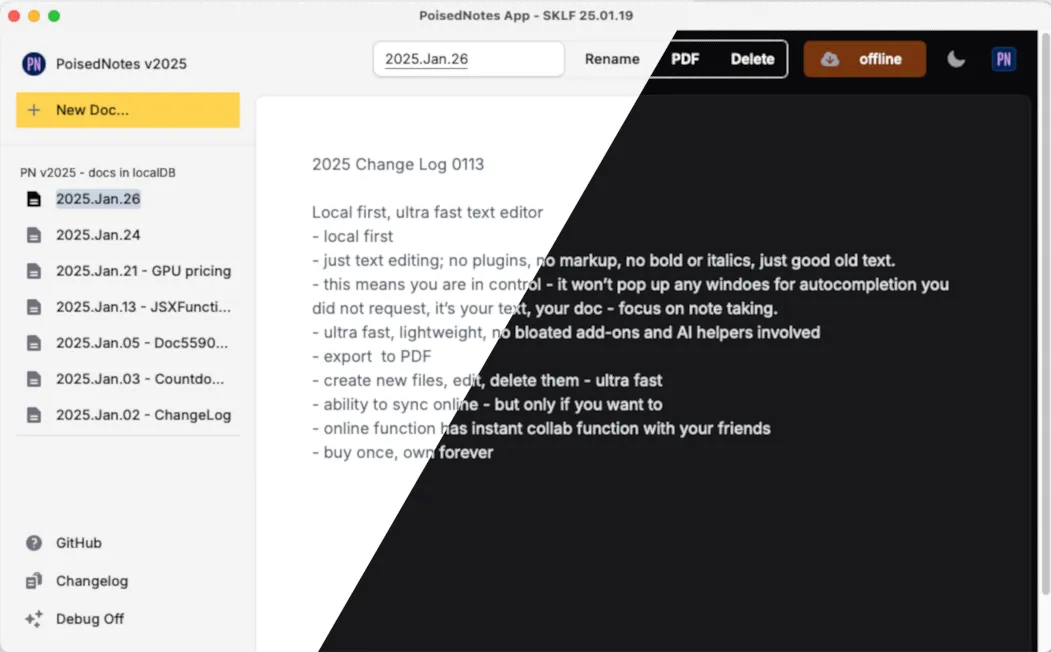
A small set of native Mac apps that share the same promise — buy once, own forever, your data stays yours. No subscriptions, no tracking, no surprises.
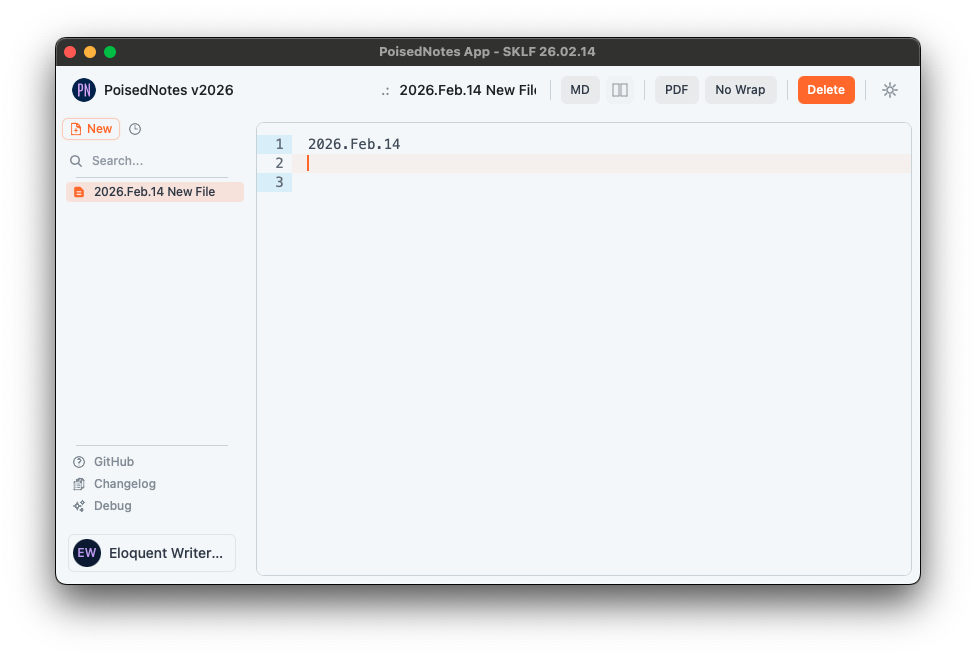
Local-first text editor. Markdown & PDF export, no plugins, no noise — just good old text.
Learn more →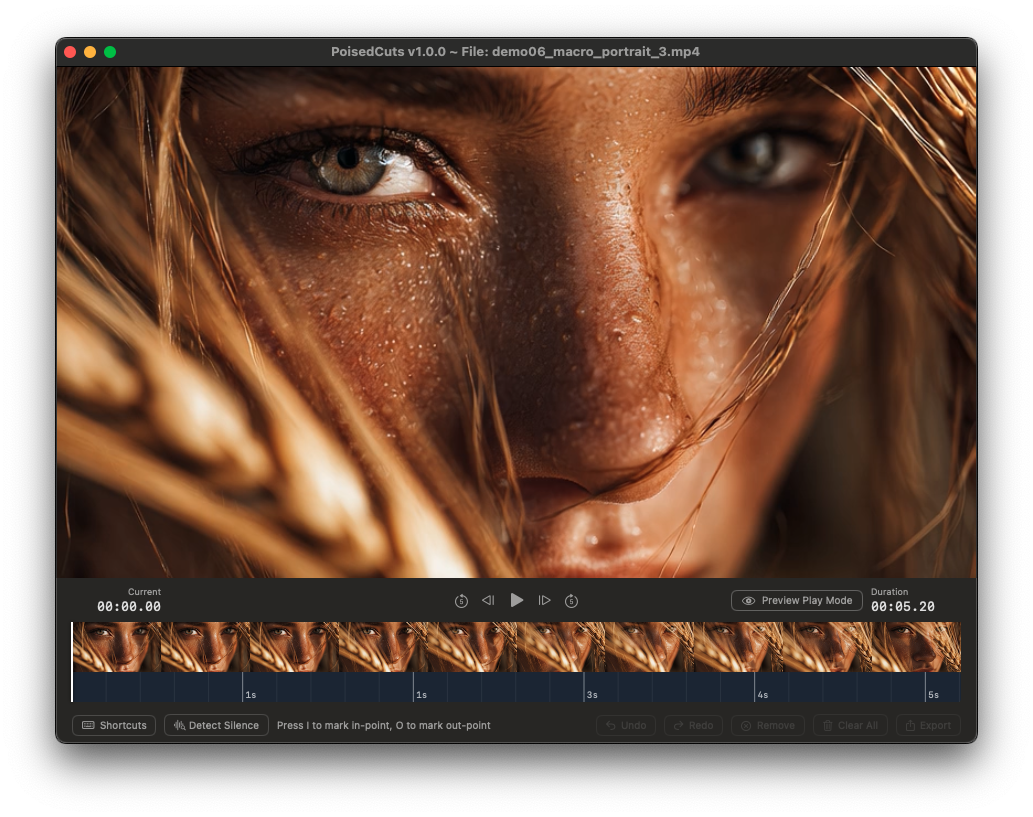
Lossless video cutter. Trim the middles out and export a clean file — zero re-encoding.
Learn more →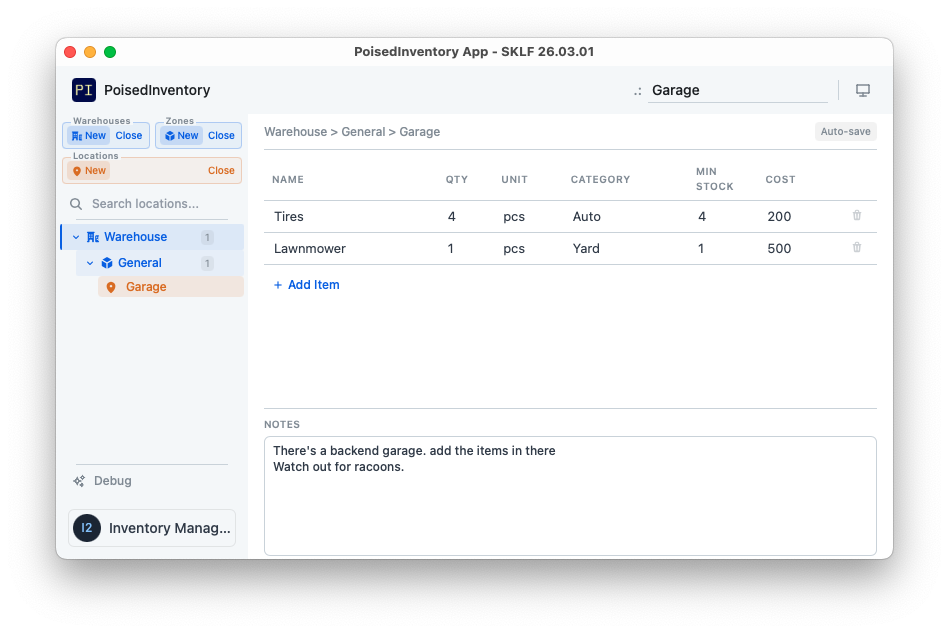
Local-first inventory. Nested databases, locations and items — tracked entirely on your machine.
Learn more →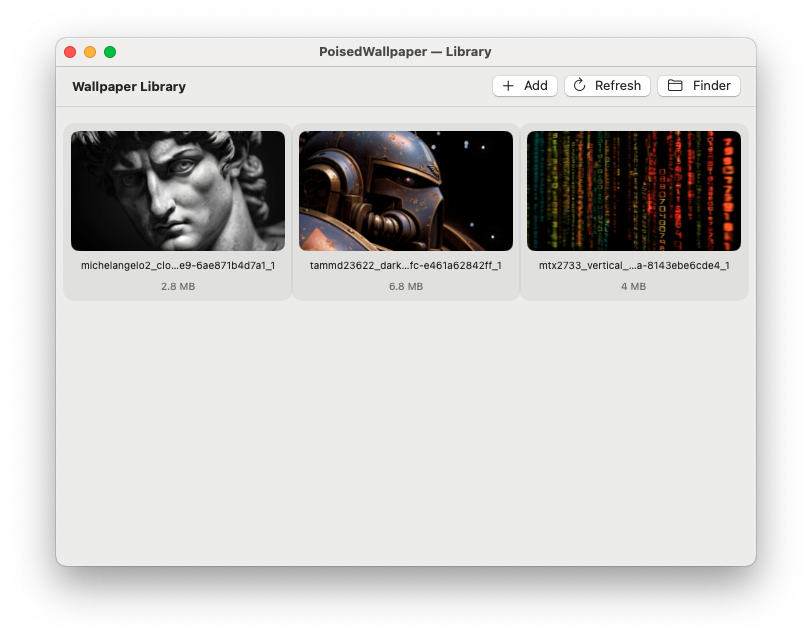

Animated MP4 wallpapers. A live desktop that lives quietly in your menu bar — no dock clutter.
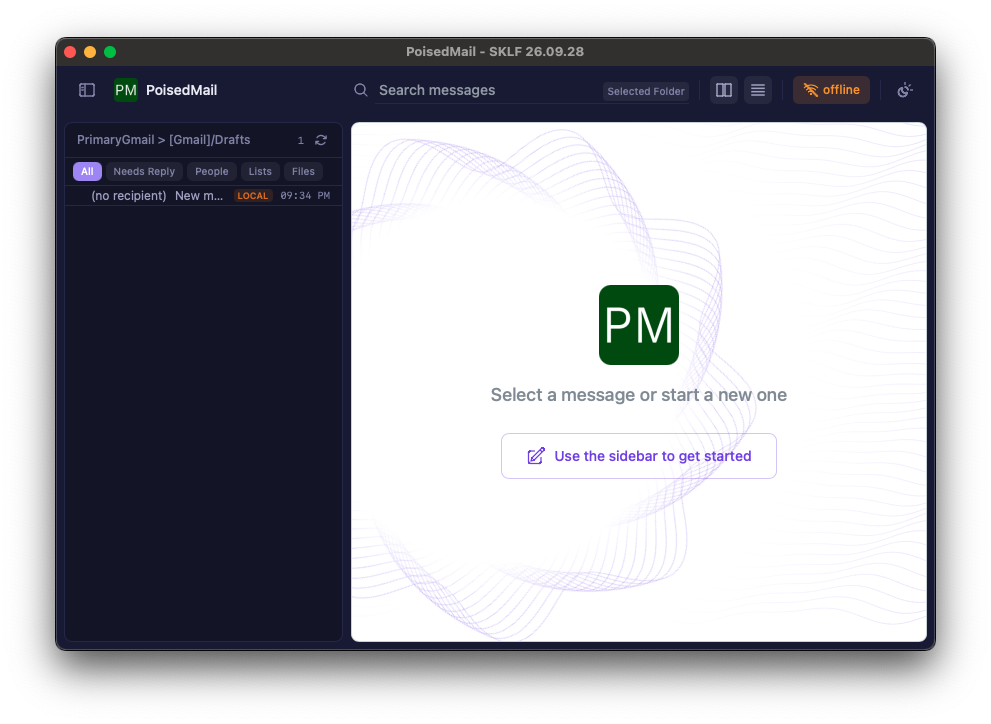
Learn more →A native Mac mail client that keeps your mail on your machine. Plain text, fast, works offline, and your data stays private. iCloud (Apple Mail accounts), Gmail, Fastmail, Migadu, Proton or any IMAP server.
There's a reason local-first software has a cult following. You're in control — and every purchase supports an independent developer instead of a subscription machine.
Everything is written locally first. There's no cloud account in the loop unless you flip the switch — and even then, only what you choose to sync ever leaves your Mac.
One payment. No monthly bill, no seat you have to keep renting, no feature locked behind a higher tier next quarter. It's a tool — you buy it, you keep it.
No analytics, no telemetry, no account required to start, no AI helper popping up uninvited. The app does its one job and gets out of your way.
Have agency over your money, your time, and your files. Buy once, work fast, save local.