Cut sections out of any video — including the middles — and export a clean file with no re-encoding. Open, mark what you don't want, export. Done.
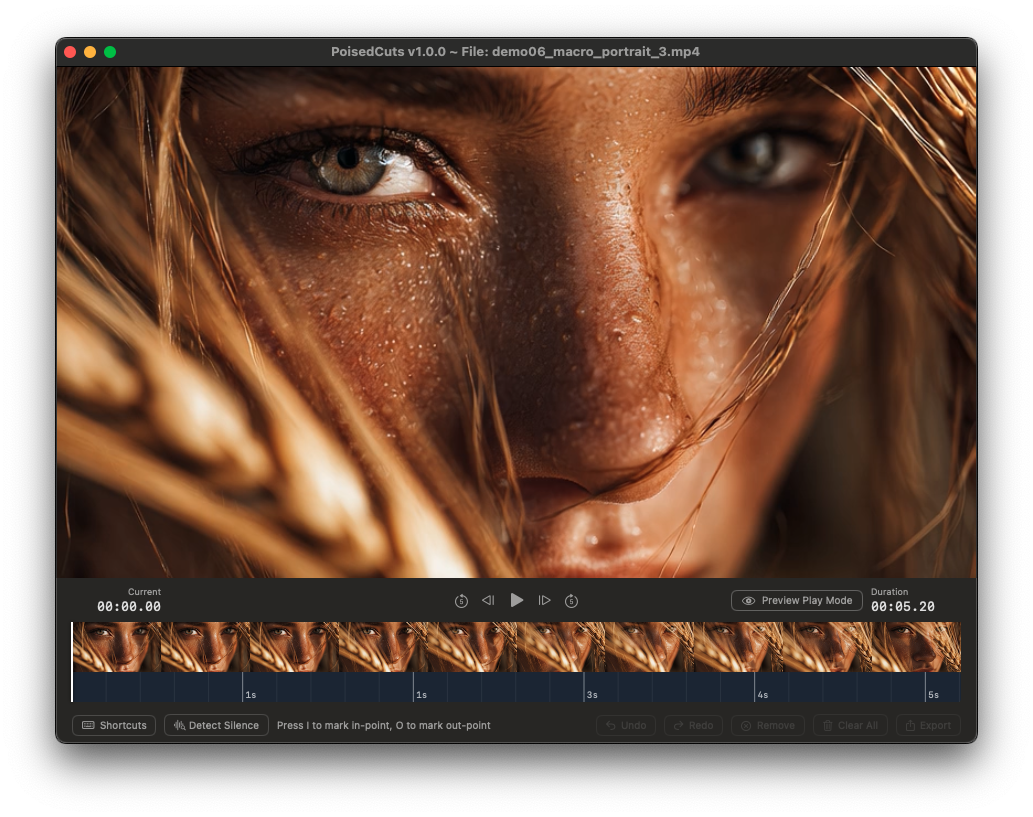
Passthrough export means zero quality loss and zero re-encoding wait. The good frames are copied straight through.
Swift / SwiftUI, not Electron. It launches instantly, sips memory, and respects your system.
I to mark in, O to mark out, Space to play, ⌘E to export. Your hands never leave the keys.
One click auto-finds and marks the quiet sections, so trimming dead air takes seconds.
Animated GIF output, optimized small, for quick sharing in chats, PRs and issues.
See speech and silence at a glance, right on the timeline — no guessing where to cut.

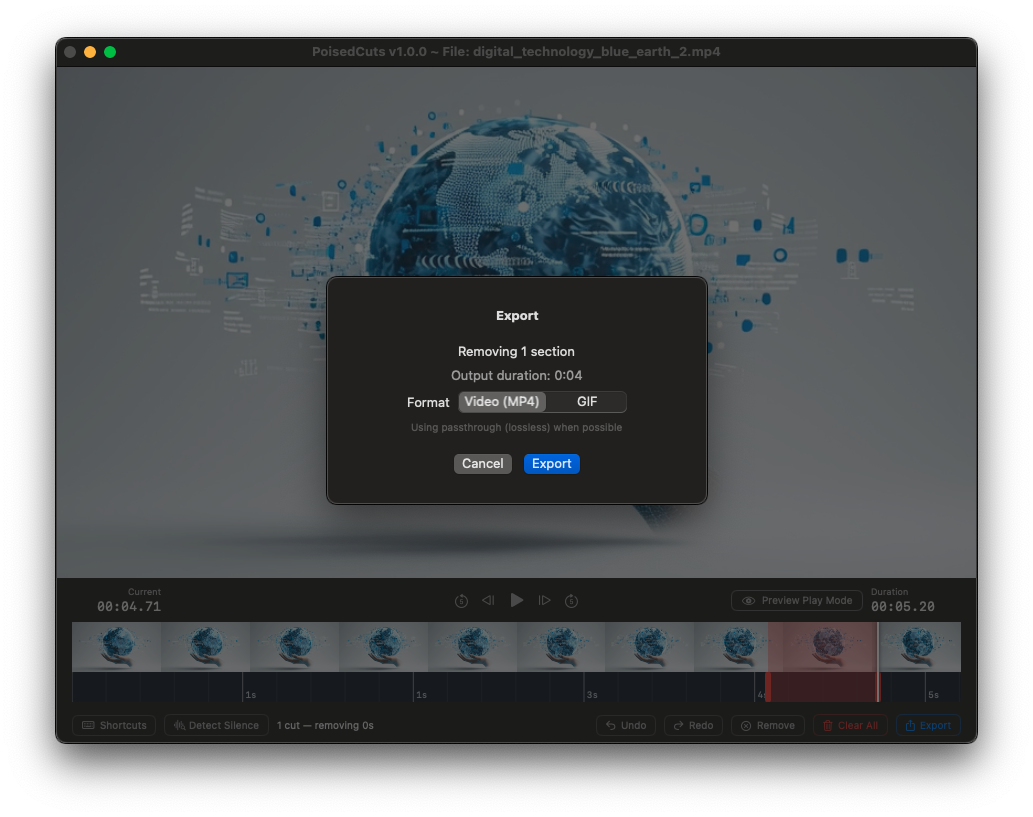
The export sheet tells you exactly what's happening: how many sections you're removing, the output duration, and whether passthrough (lossless) is in play. No re-encode unless it's truly needed — and never without telling you.
No subscription, no cloud, no account. Own it forever — and support an indie dev while you're at it.
 PoisedCuts